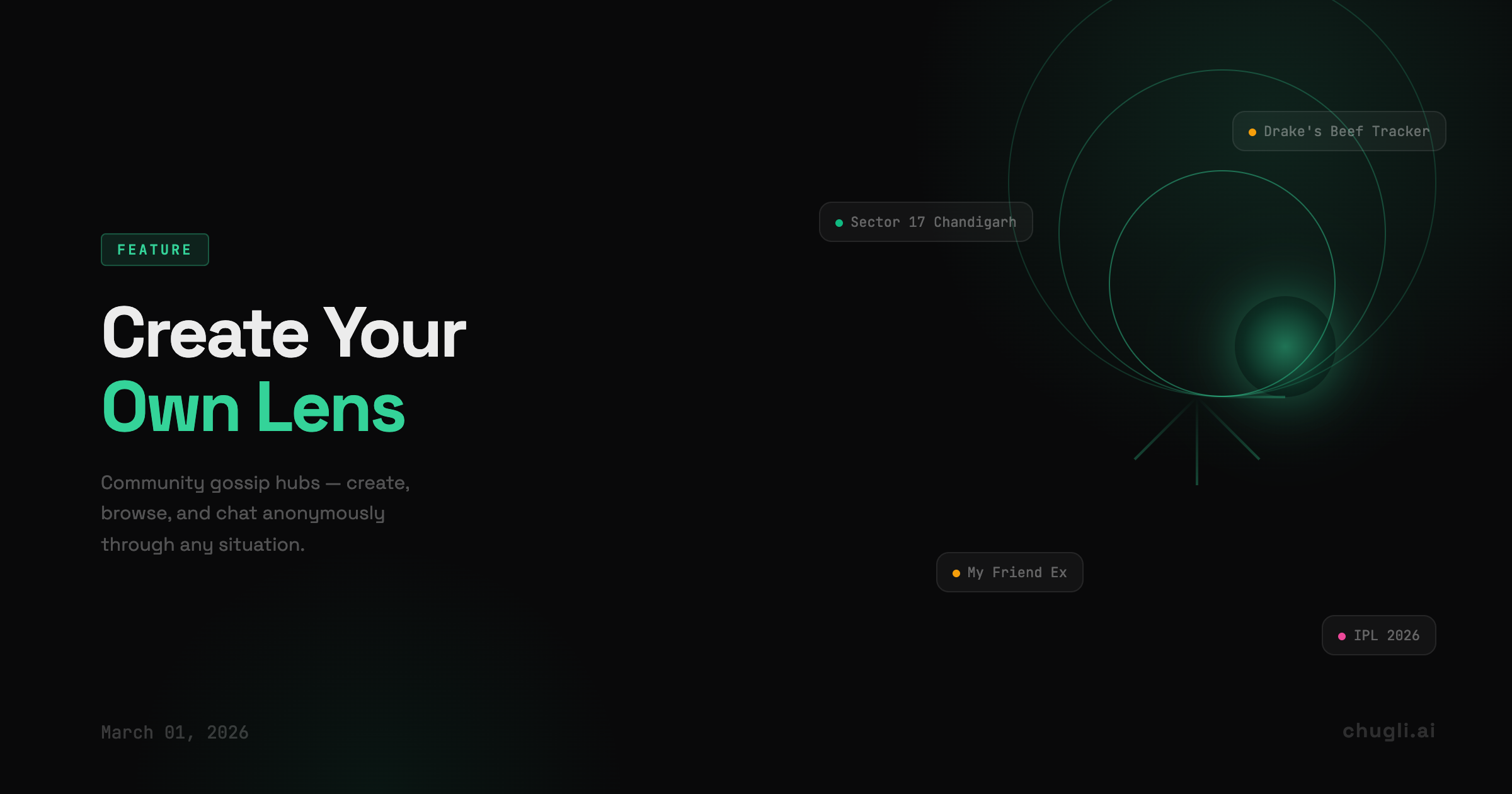
Community Lenses: Create, Browse, Gossip
Create your own gossip lens, browse the redesigned community feed, and your private AI tools now have their own section.
What's new
You can now create your own community lens — drop a situation, give it context, and watch your community gossip through it anonymously. The whole create, edit, delete flow works from your phone, end to end.
The browse page got a full editorial redesign. Featured hero card at the top, gossip counts that refresh, search that actually works. Clicking a lens now takes you to the detail page so you can read what people are saying before jumping in.
Personal Insights, meet Community Gossip
Your private AI tools — Numerology, Astrology — now live in their own "Personal Insights" section, clearly separate from the community gossip hubs below. They were always different experiences; now they look different too.
Lens management on mobile
- Create — Upload a screenshot or write a seed situation. The AI extracts context and builds your lens.
- Edit — Change the name, description, or seed text anytime from
/lens/mine. - Delete — Remove a lens with a one-tap confirmation.
- Status tracking — Pending lenses show progress toward go-live (gossip count / threshold).
Browse overhaul
- Hero card highlights the most active lens
- Type accent colors instead of generic pills — green for business, pink for events, amber for creators
- Taglines on every card — personality-forward, not template copy
- "Recently gossiped" strip for lenses you've already visited
- Cache now bypasses browser so counts are always fresh
Mobile fixes
Header buttons that were hiding behind the app bar are moved to visible positions. A back button now shows correctly on lens management pages.
Still coming
Event lens formatting and the Wisdom lens on the browse page are up next.